Globbing tutorials
Teaching a new app in under two minutes, with motion and sound.
 Figma
Figma After Effects
Overview
Globbing helps people in Armenia shop from stores abroad. Support kept answering the same questions about pricing, addresses and sign-up, so the team asked for short videos for social media and the app. These are three of the series.
I'd also redesigned the app, so I knew every screen and the rules behind it. See the app redesign → Everything here was made by hand, before AI motion tools.
Storyboard in Figma
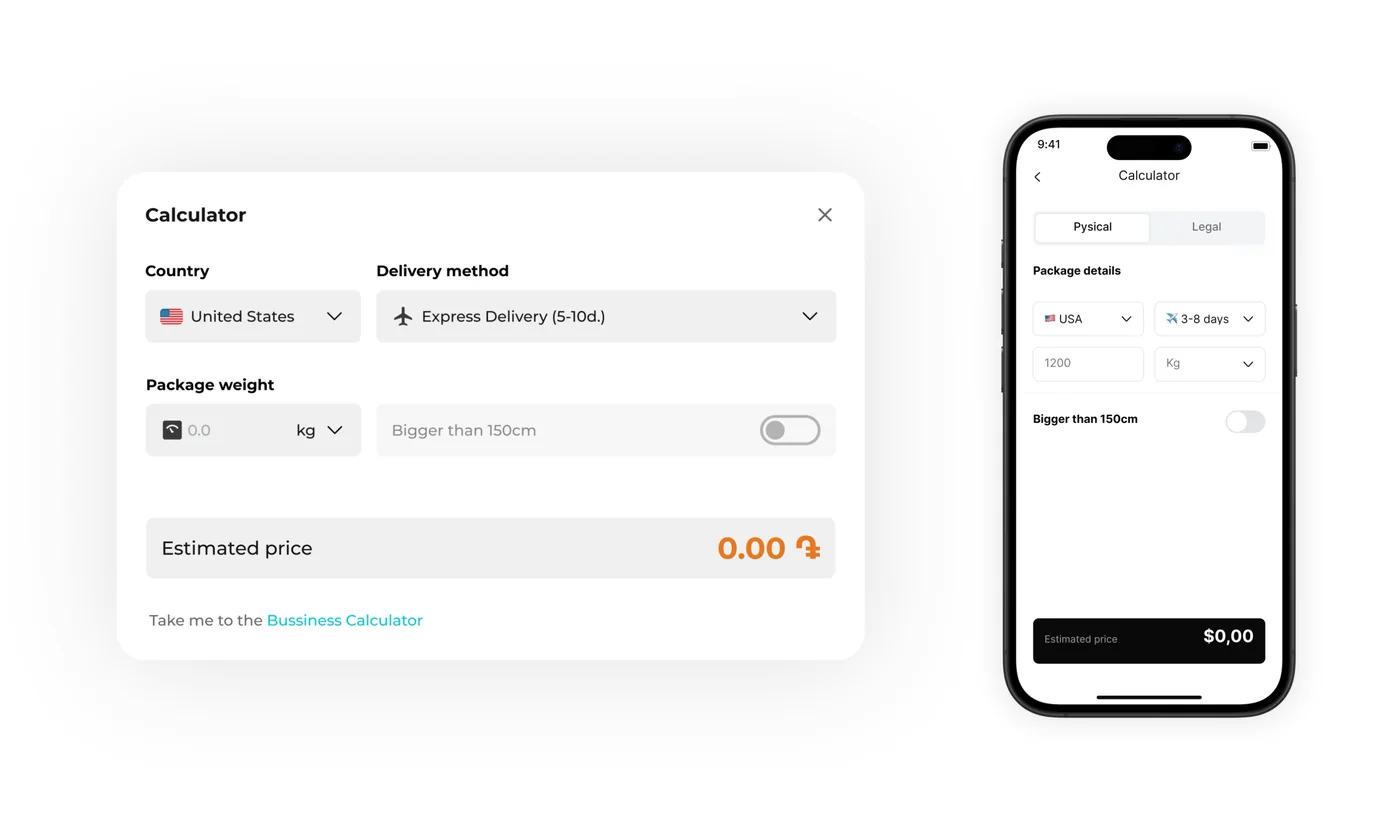
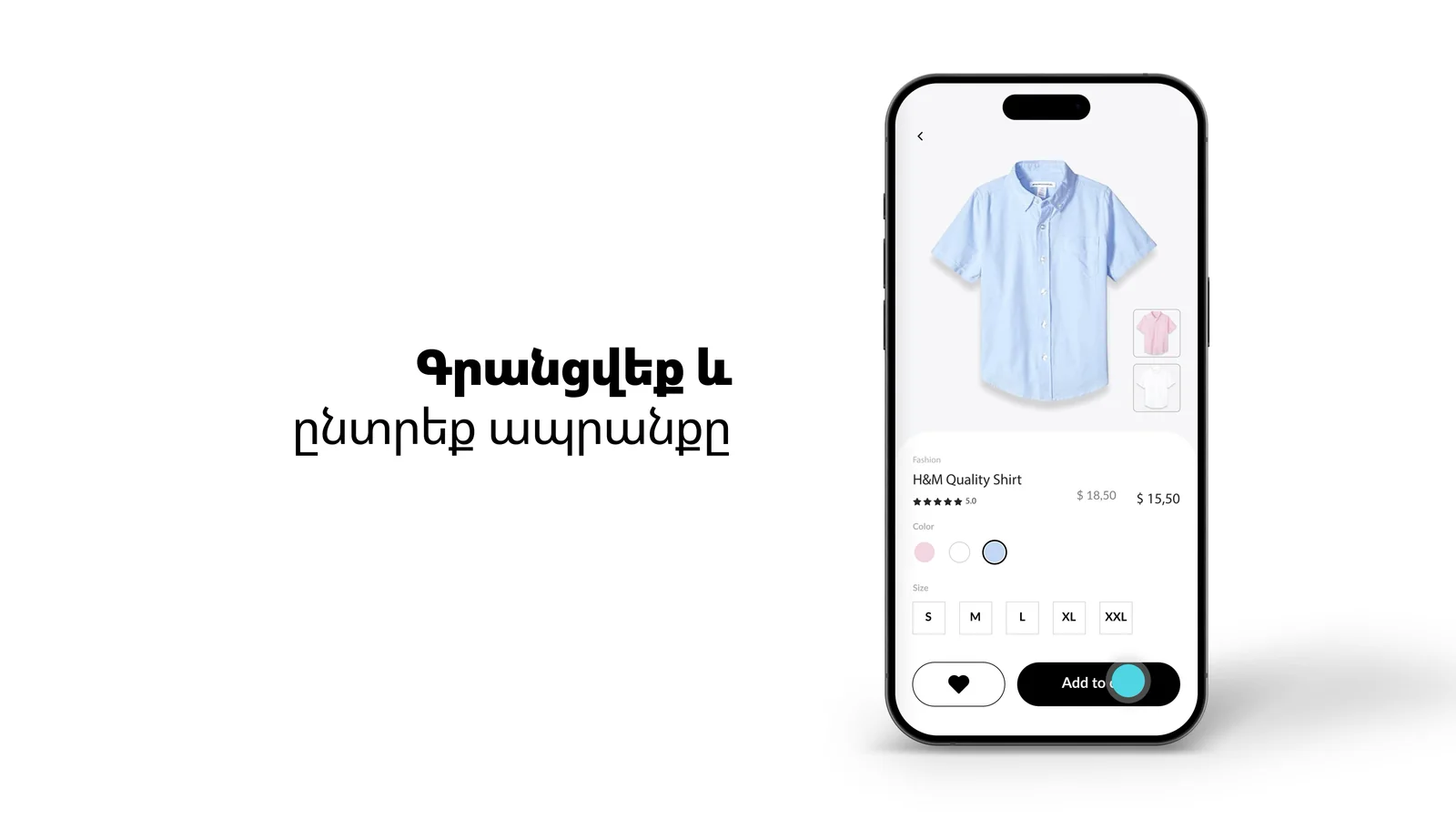
Every film started as a row of real app screens, one per line of the script. The team signed off on this, not on a render.
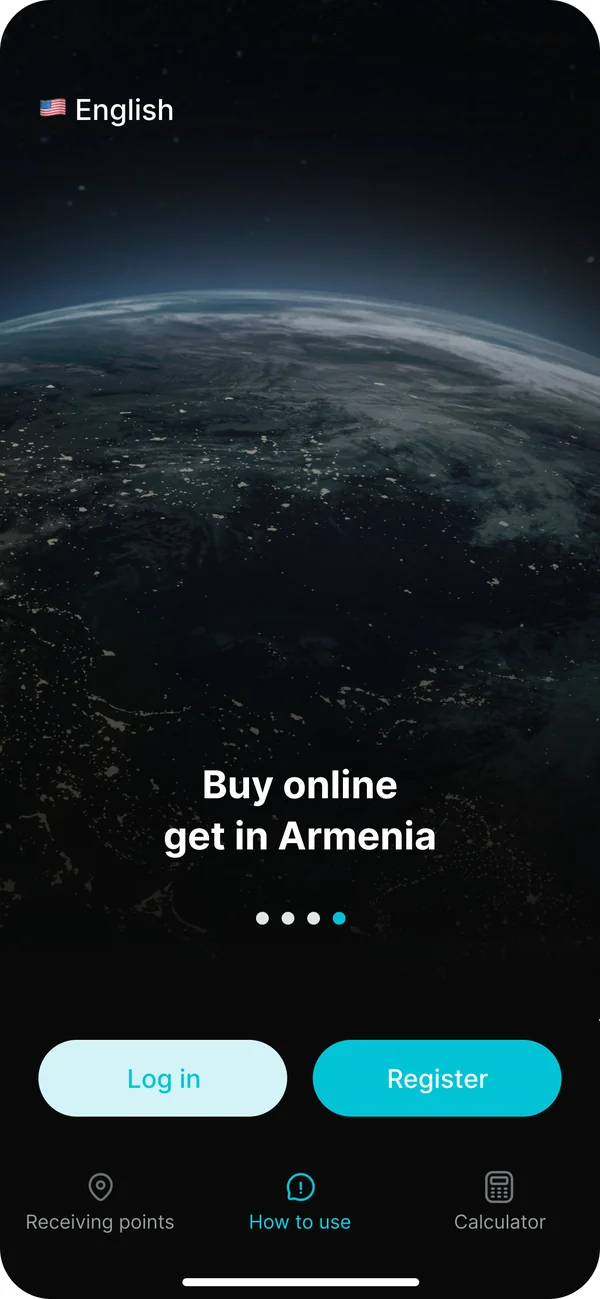
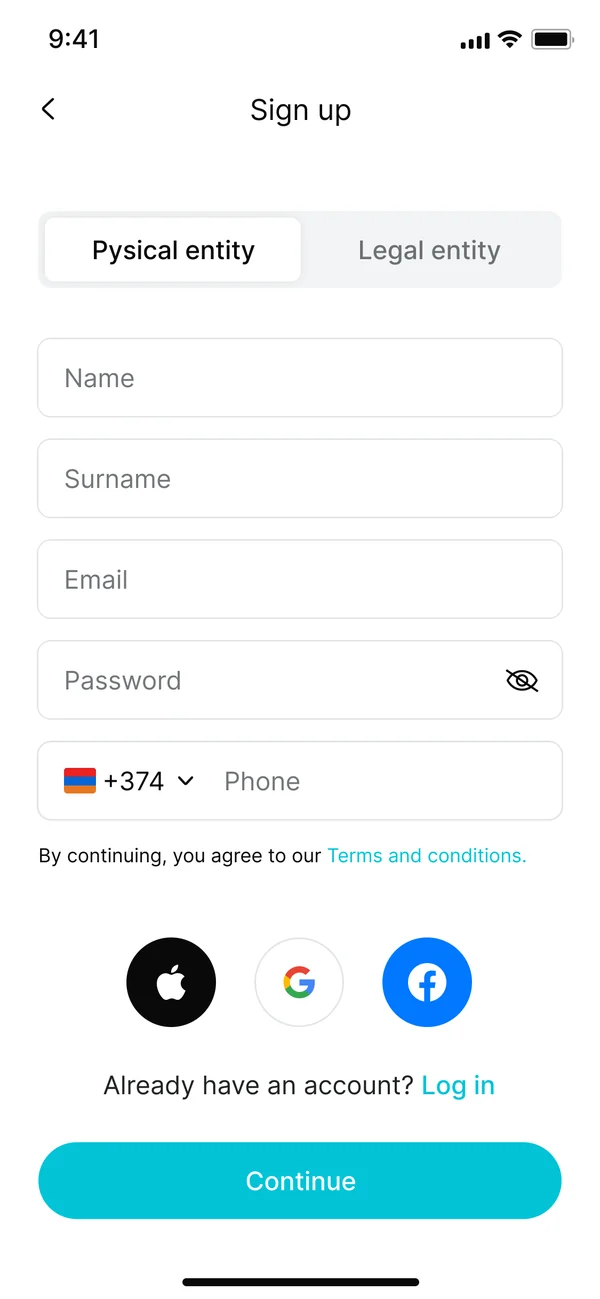
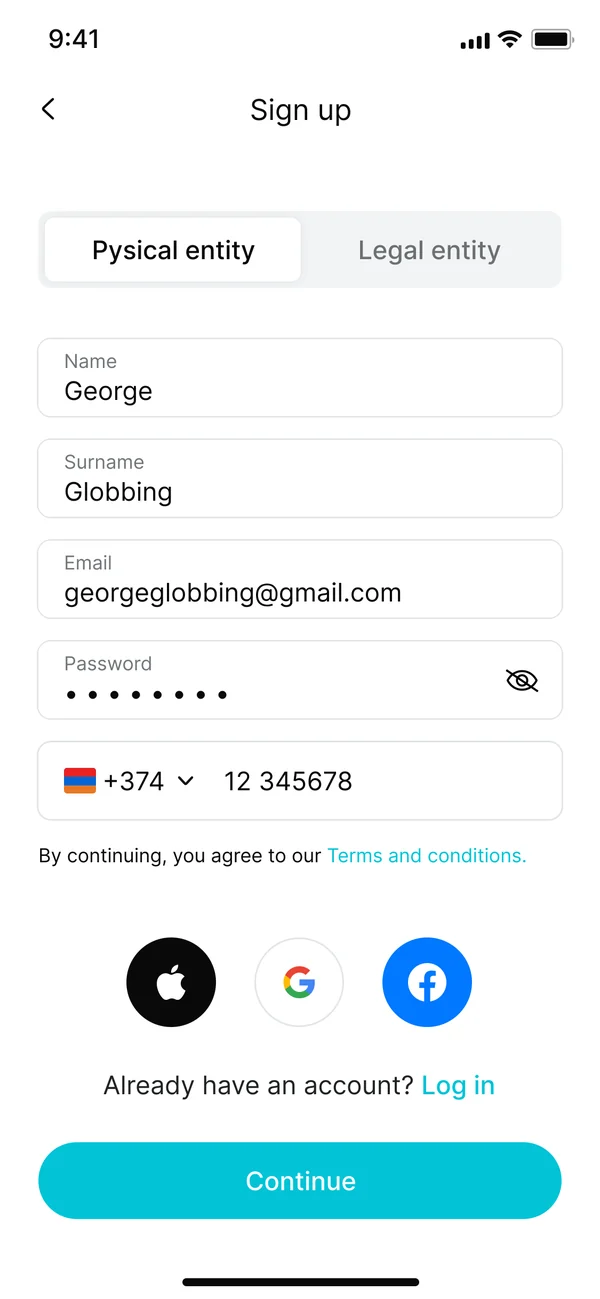
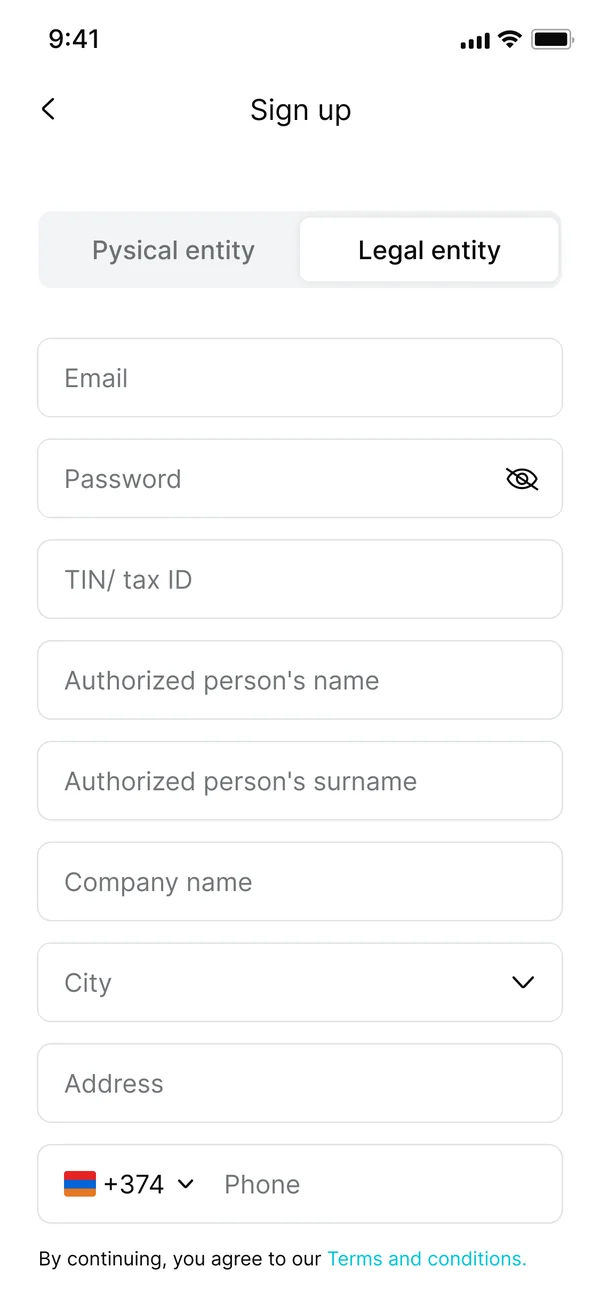
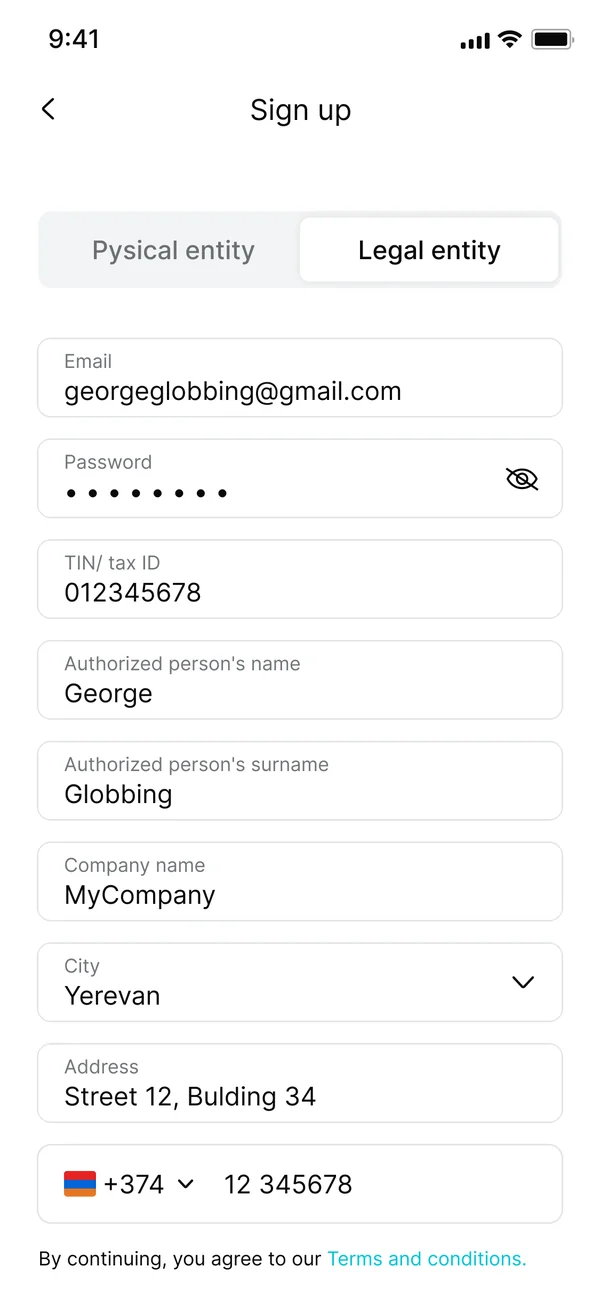
From Figma to After Effects
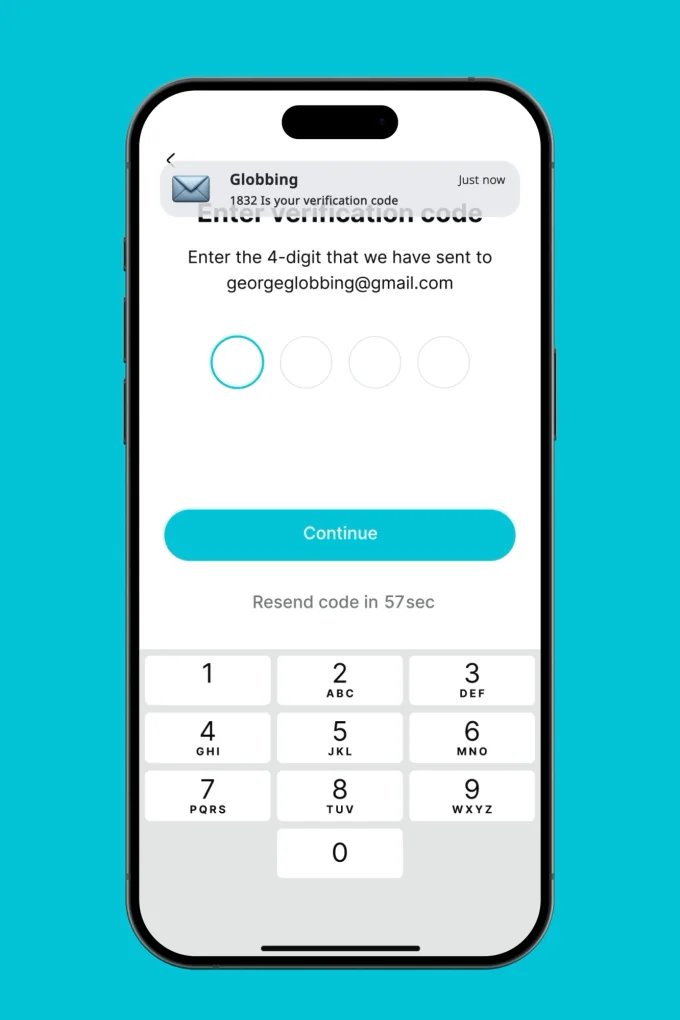
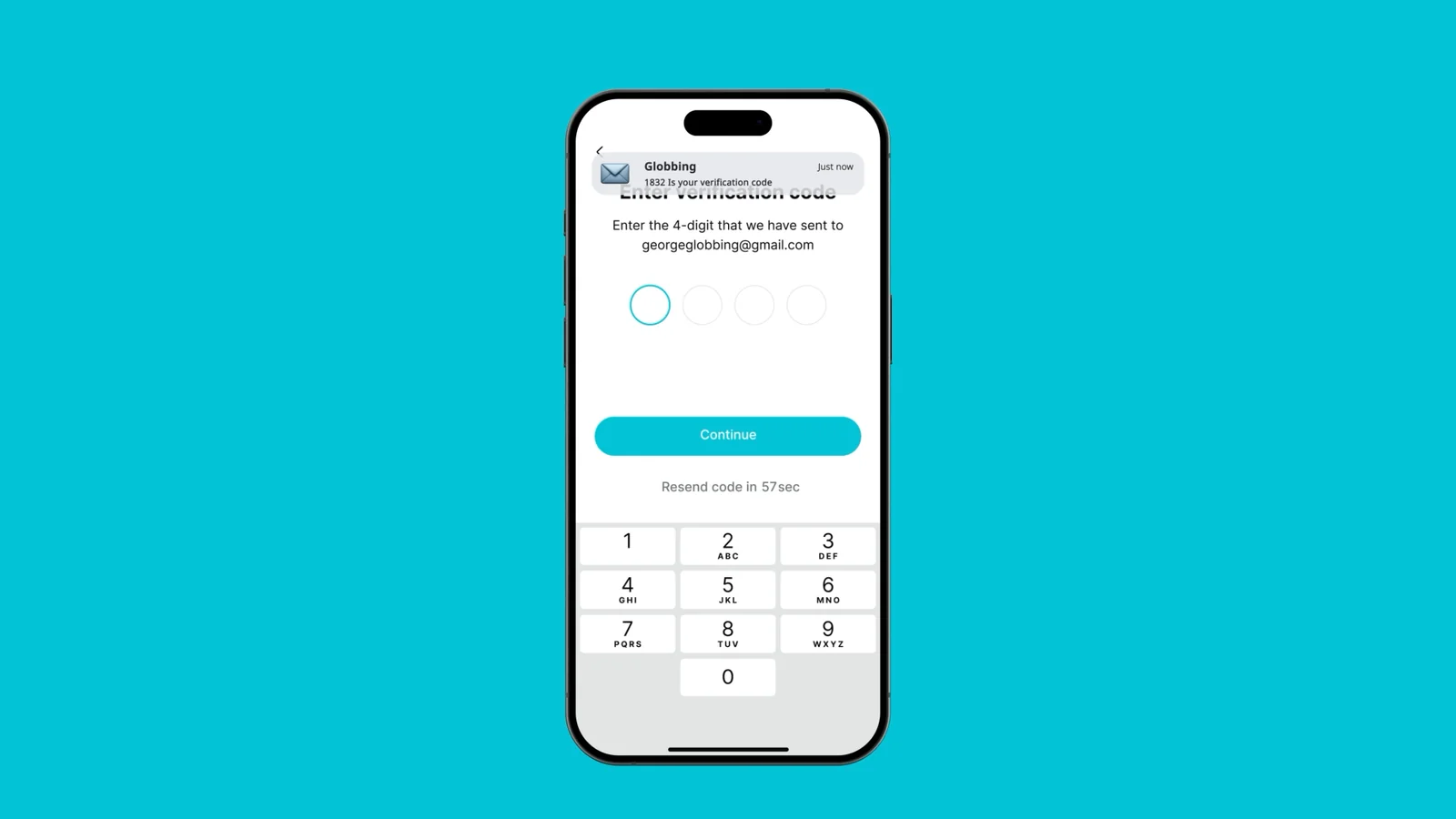
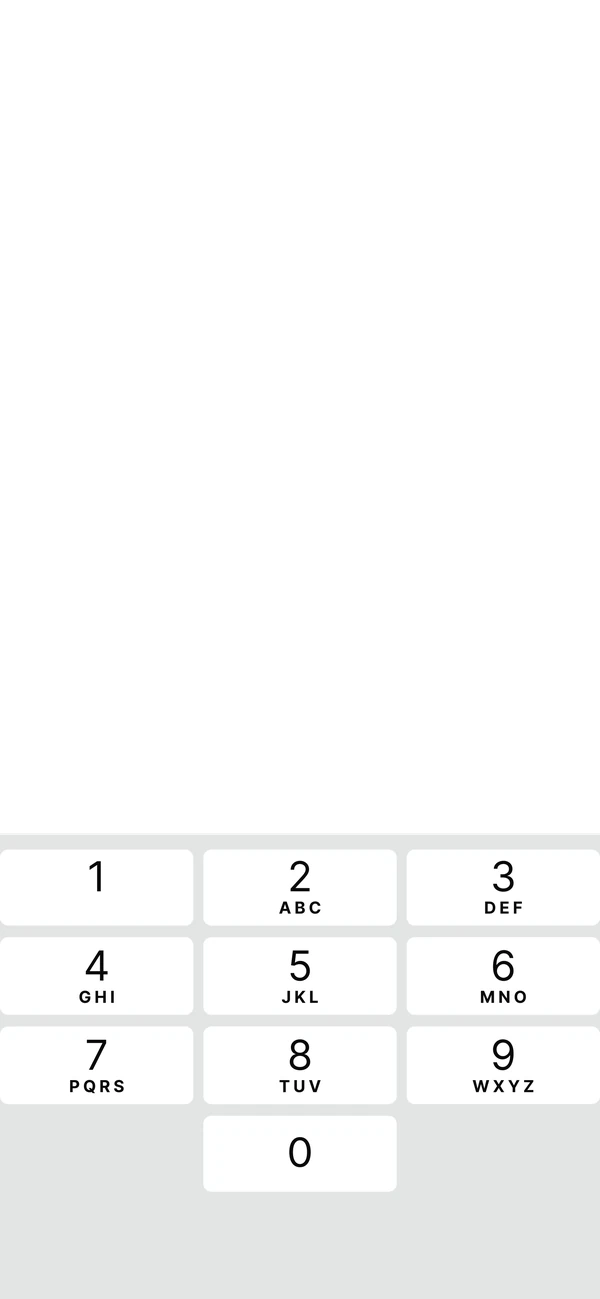
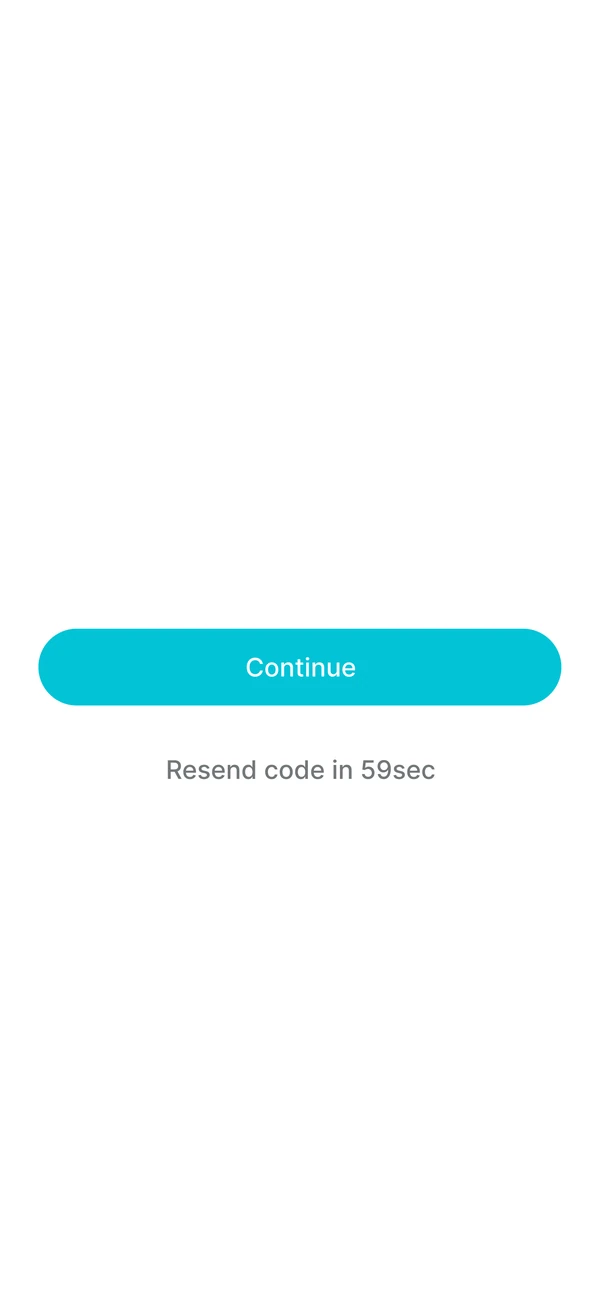
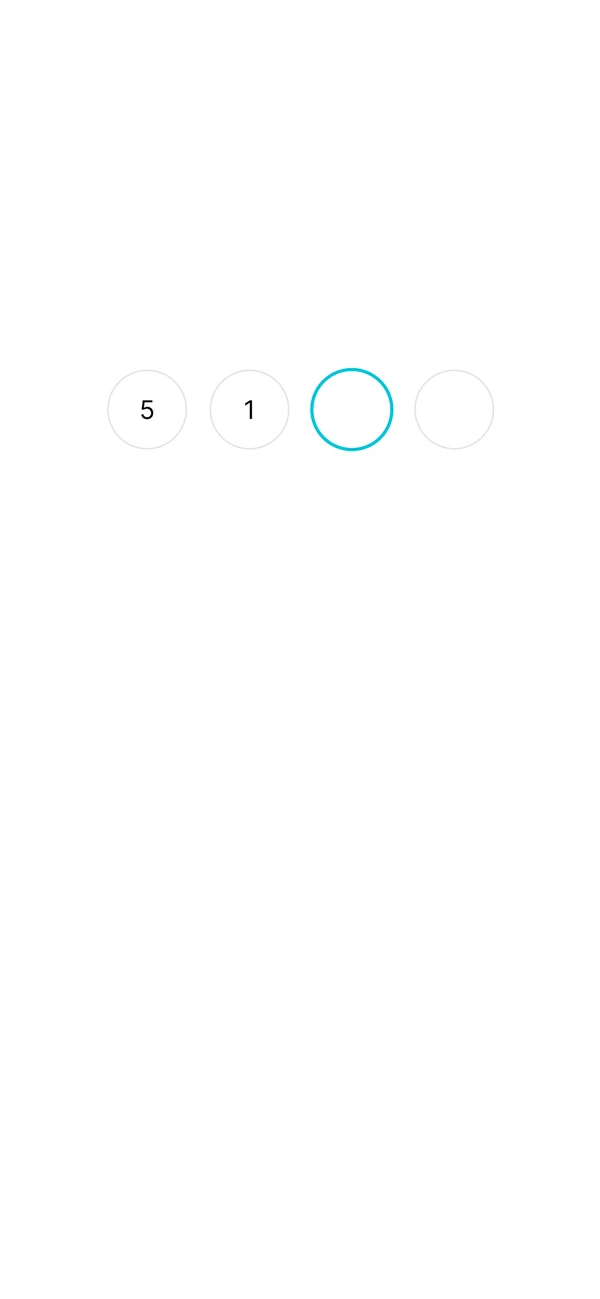
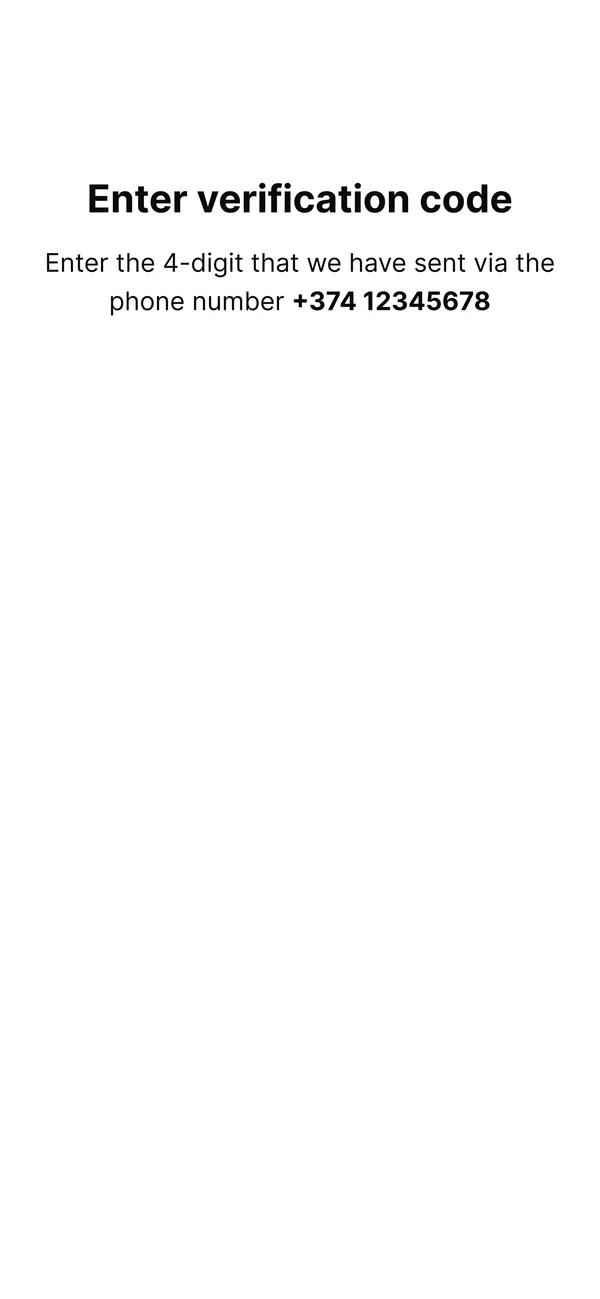
A plugin brought each Figma screen into After Effects as separate, named layers. So the title could arrive before the fields, the button could press in, and the code could type itself out, digit by digit. Each layer enters a few frames after the one above it.
Easing
Easing decides whether motion feels like an app or a slideshow. I shaped every curve in the graph editor: fast out, soft landing, the way UI really moves.
Sound design
I came up with most of the sounds and recorded them myself, then placed each one by hand on the frame where the action lands. Press play, these are cut straight from the final mix.
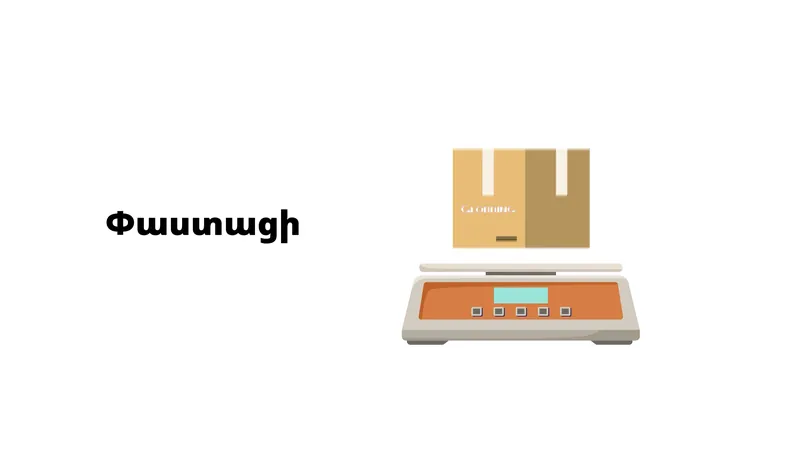
A box lands on the scale
A soft drop, then the reading ticks up.
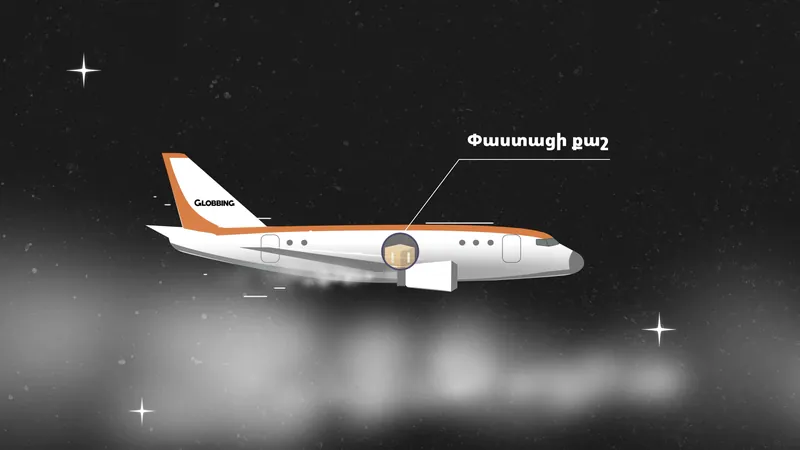
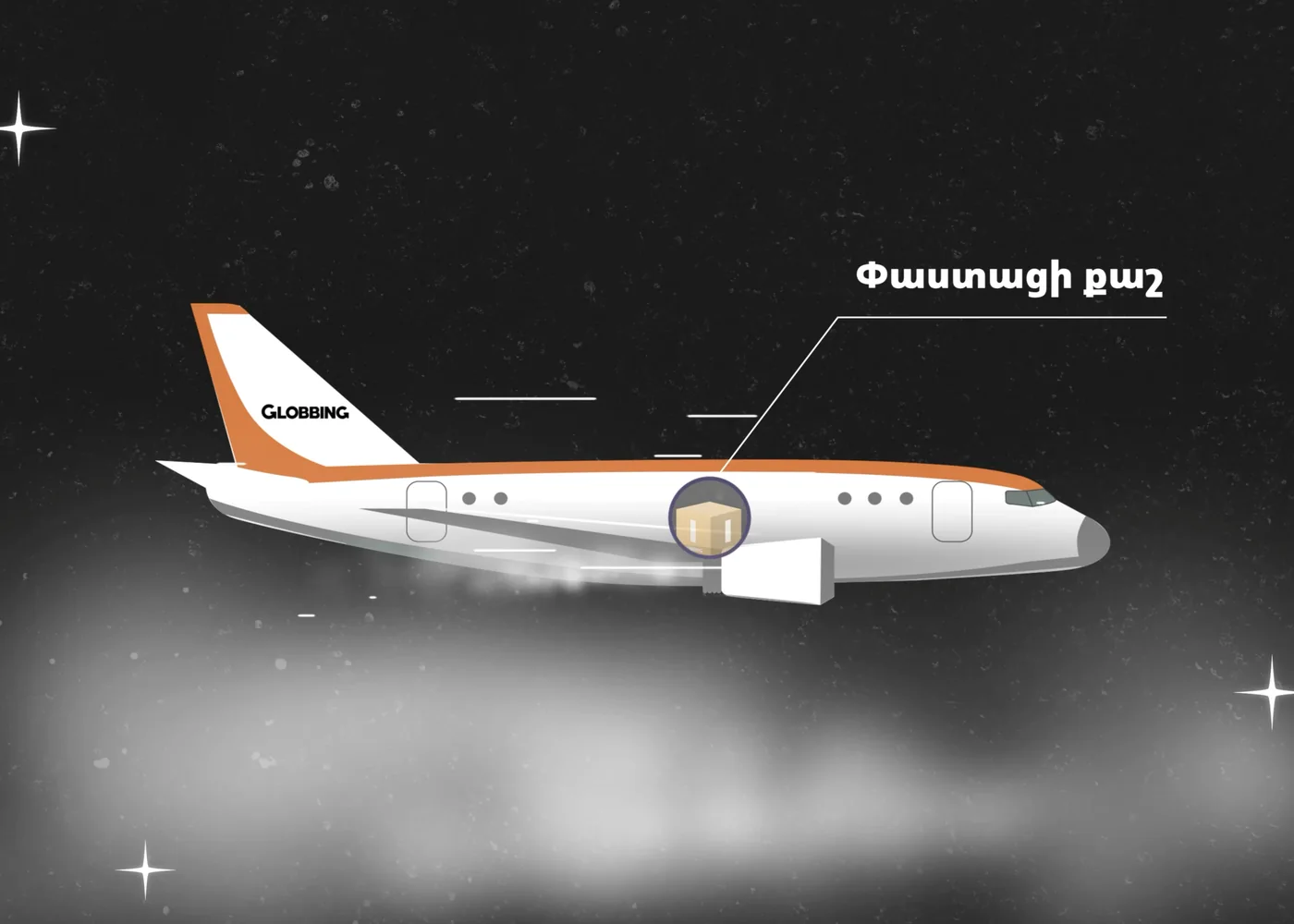
Flying through clouds
Wind and engine, so the distance feels real.
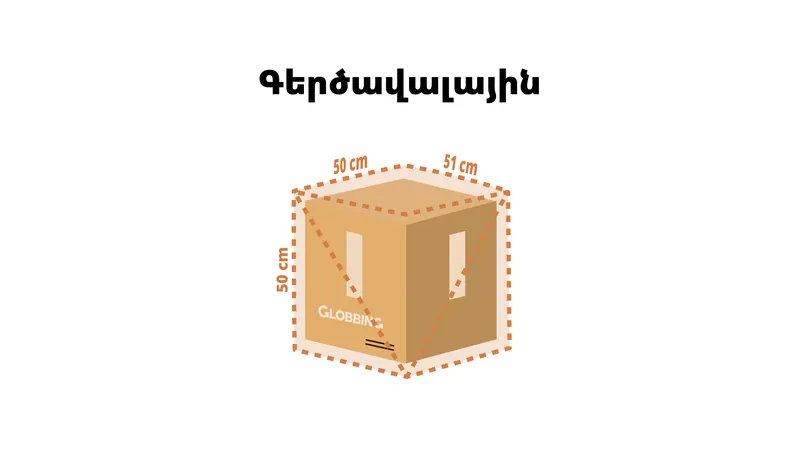
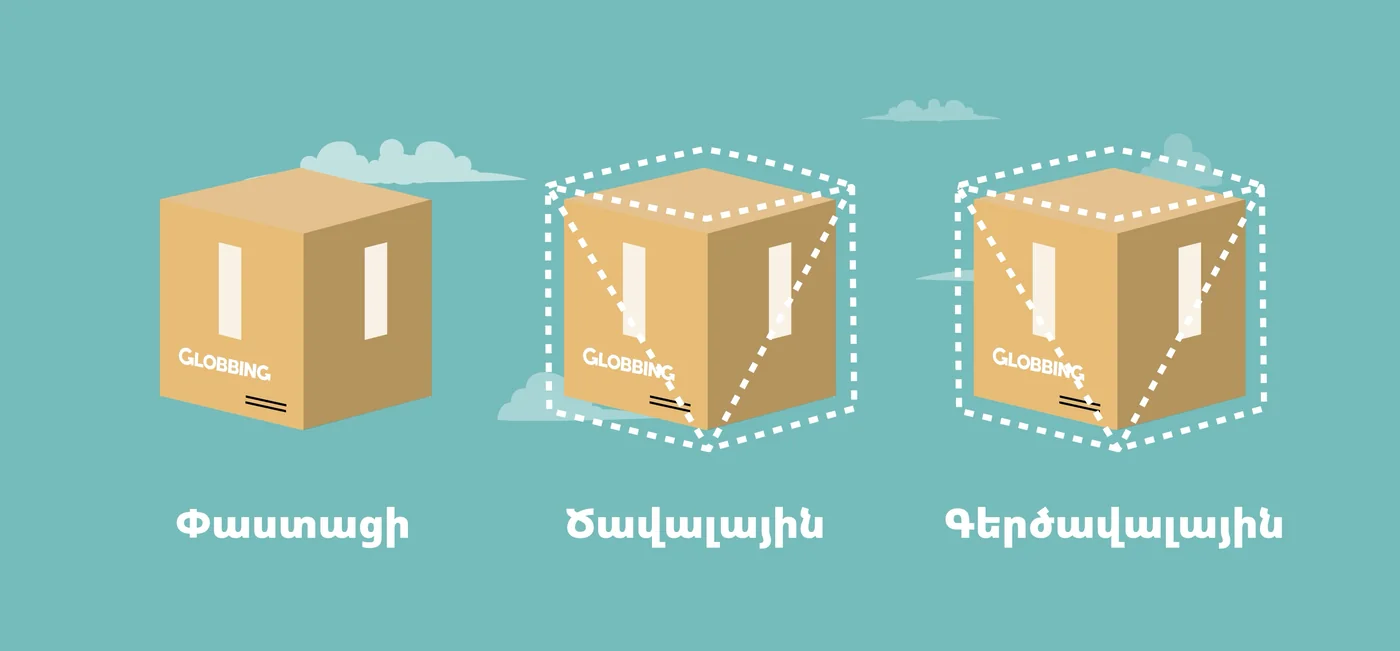
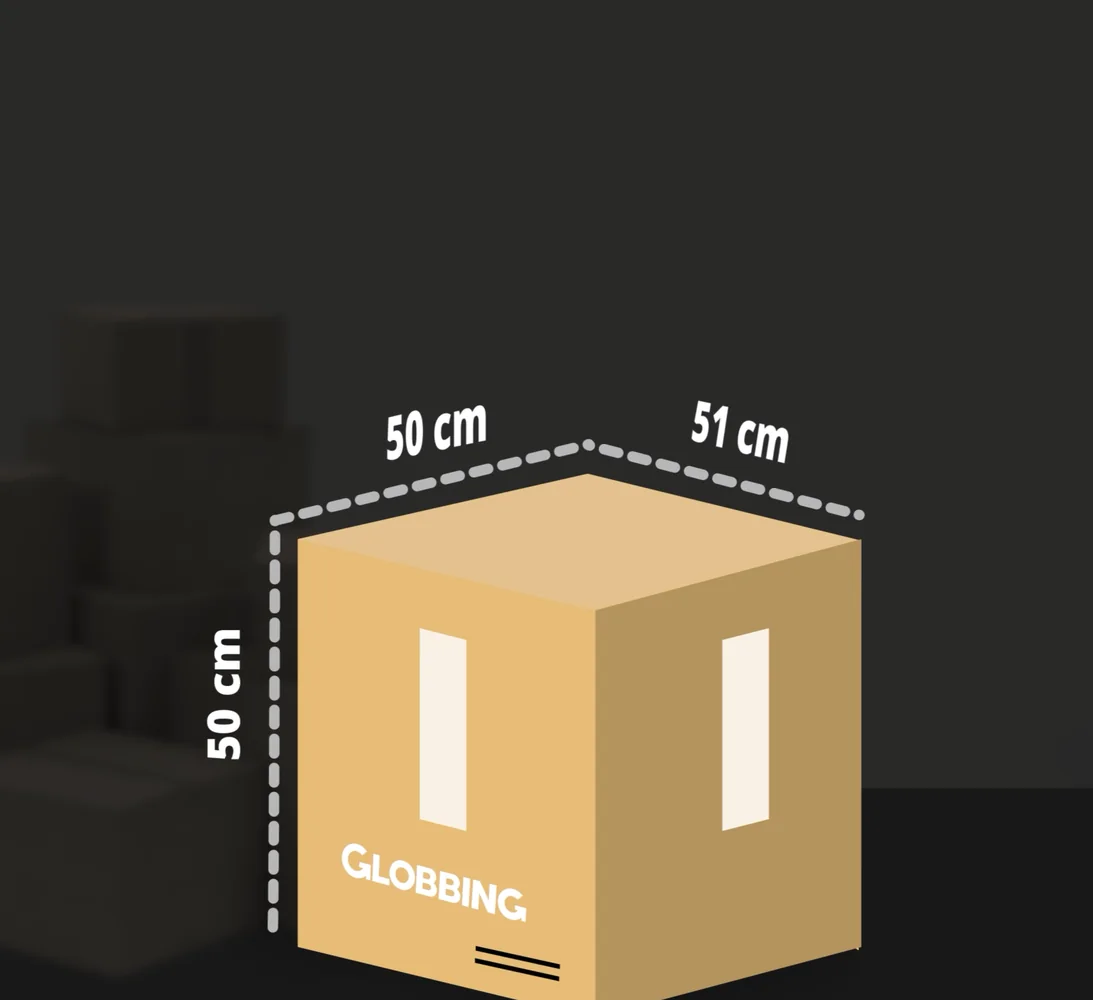
Measuring the box
Each side gets its own small tick as the lines draw on.
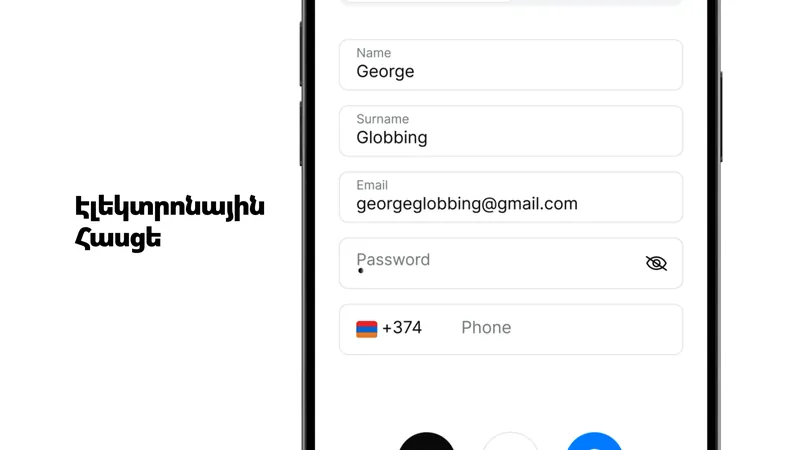
Typing a form
Phone-keyboard taps while fields fill in, so a long form feels quick.
Lists sliding in
Light swipes matched to the speed of each move.
Logo sting
The same ending on every film, so the series feels like one set.
Logo animation
The G in Globbing's logo is an arrow, so I animated it as one: it sets off, loops back around and closes into the letter, like a parcel that goes out into the world and comes home. Then the rest of the name slides out from behind it.
It closes every tutorial, and it's also the splash screen of the Globbing app, so the films and the product open and end the same way. Globbing app redesign →
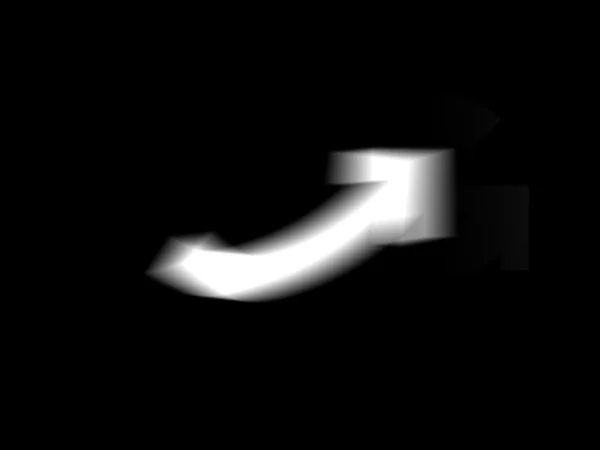 1An arrow sets off
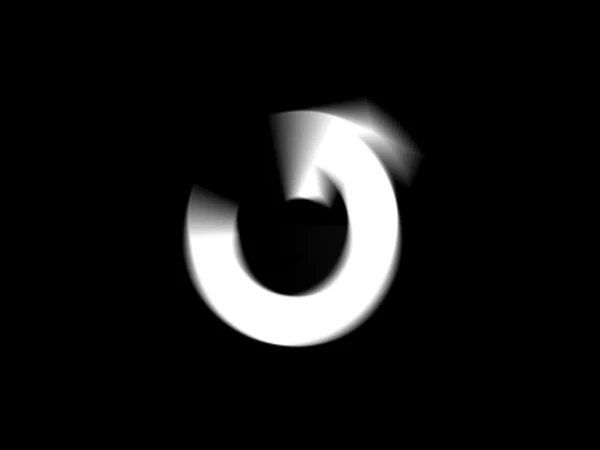 2Loops back around
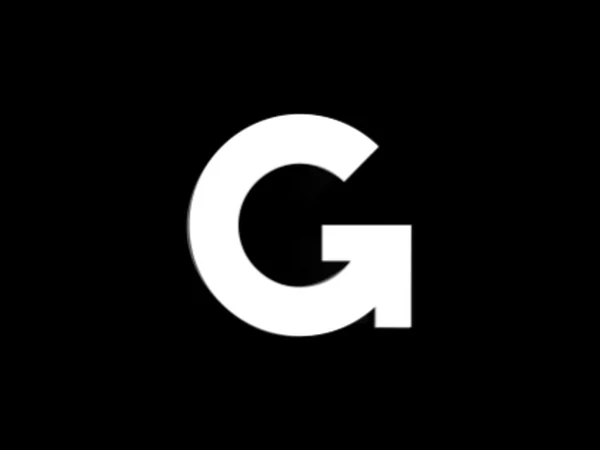 3Closes into the G
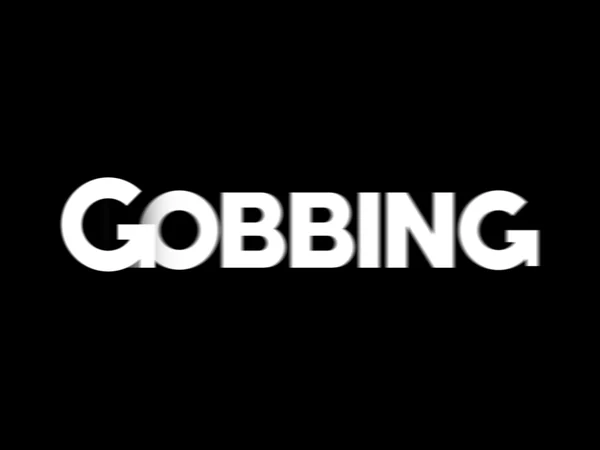 4Letters slide out
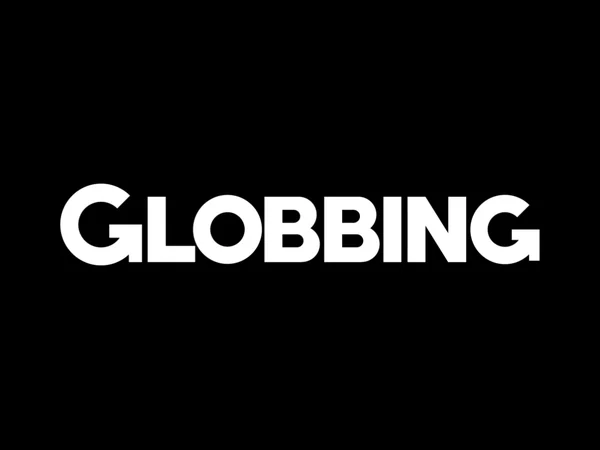 5Settles on the wordmark
Visual language
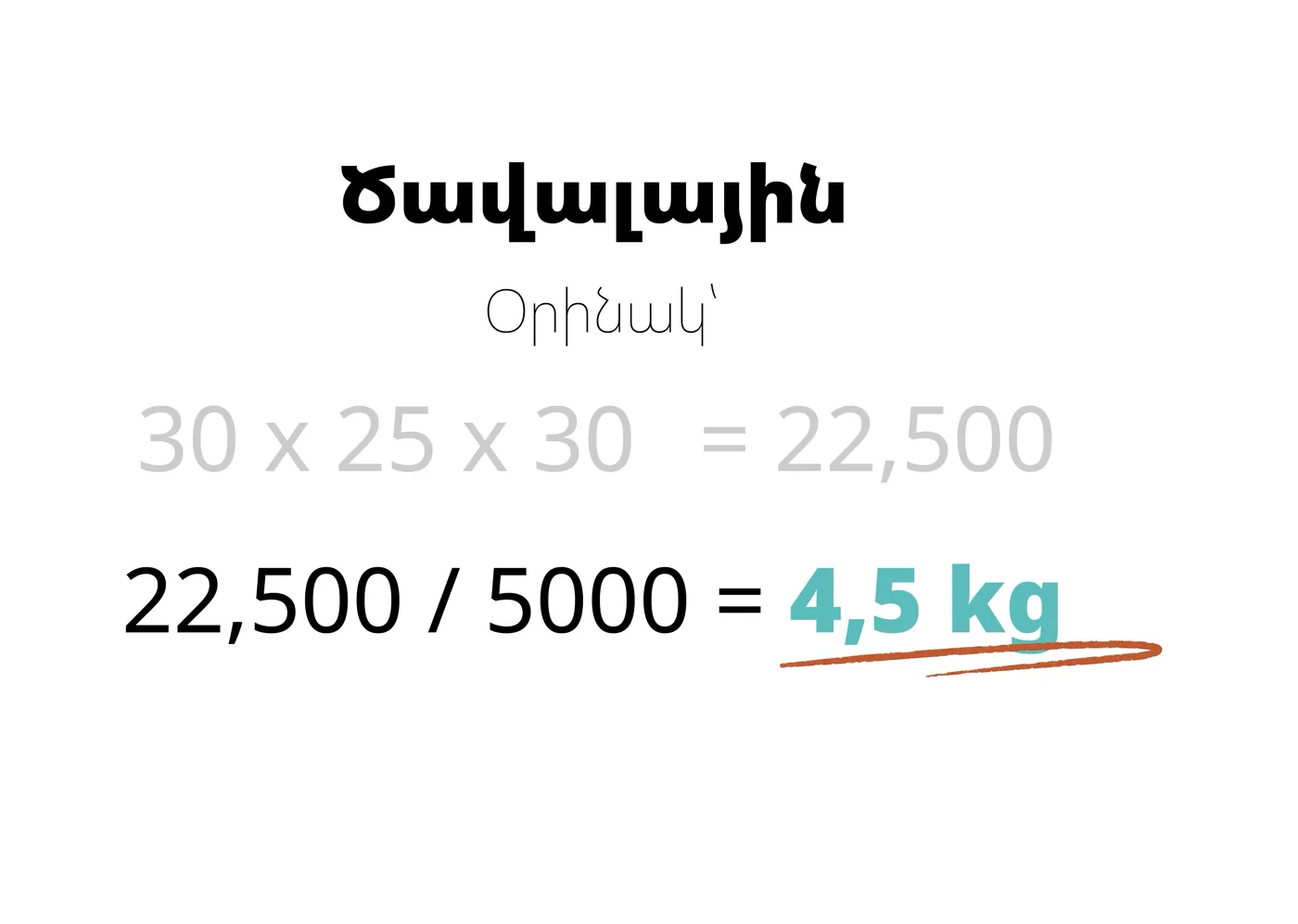
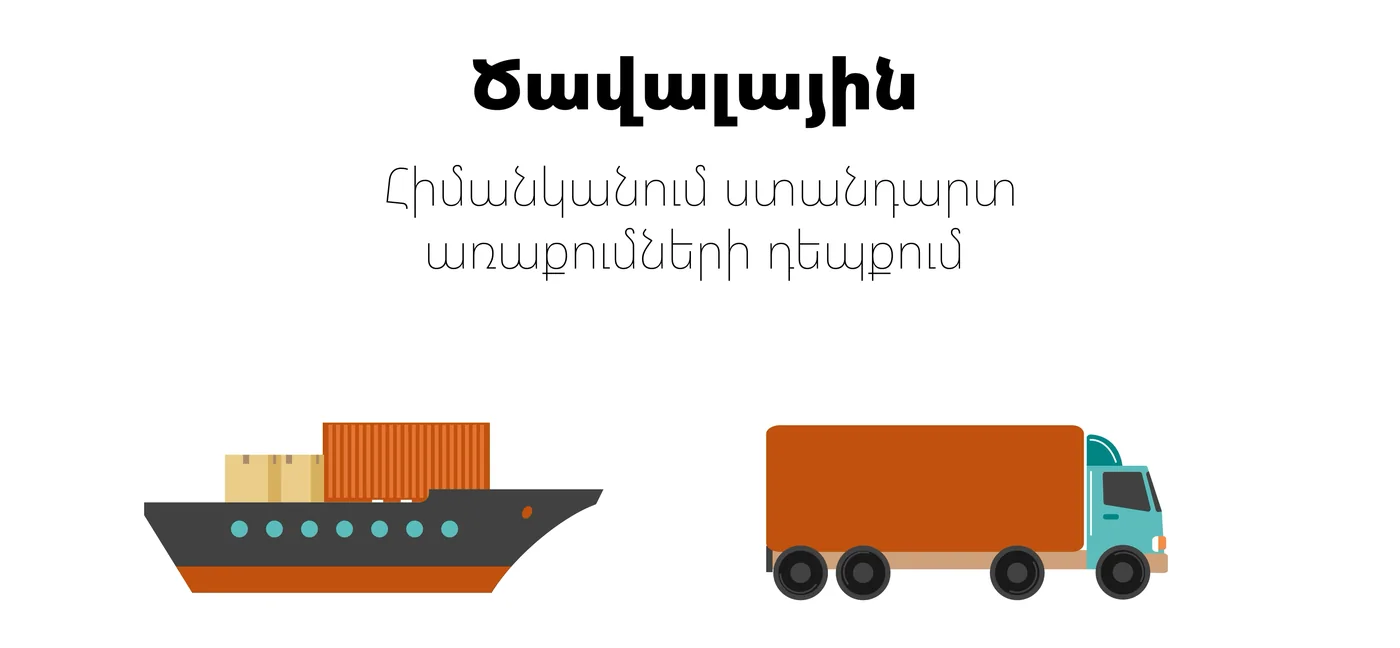
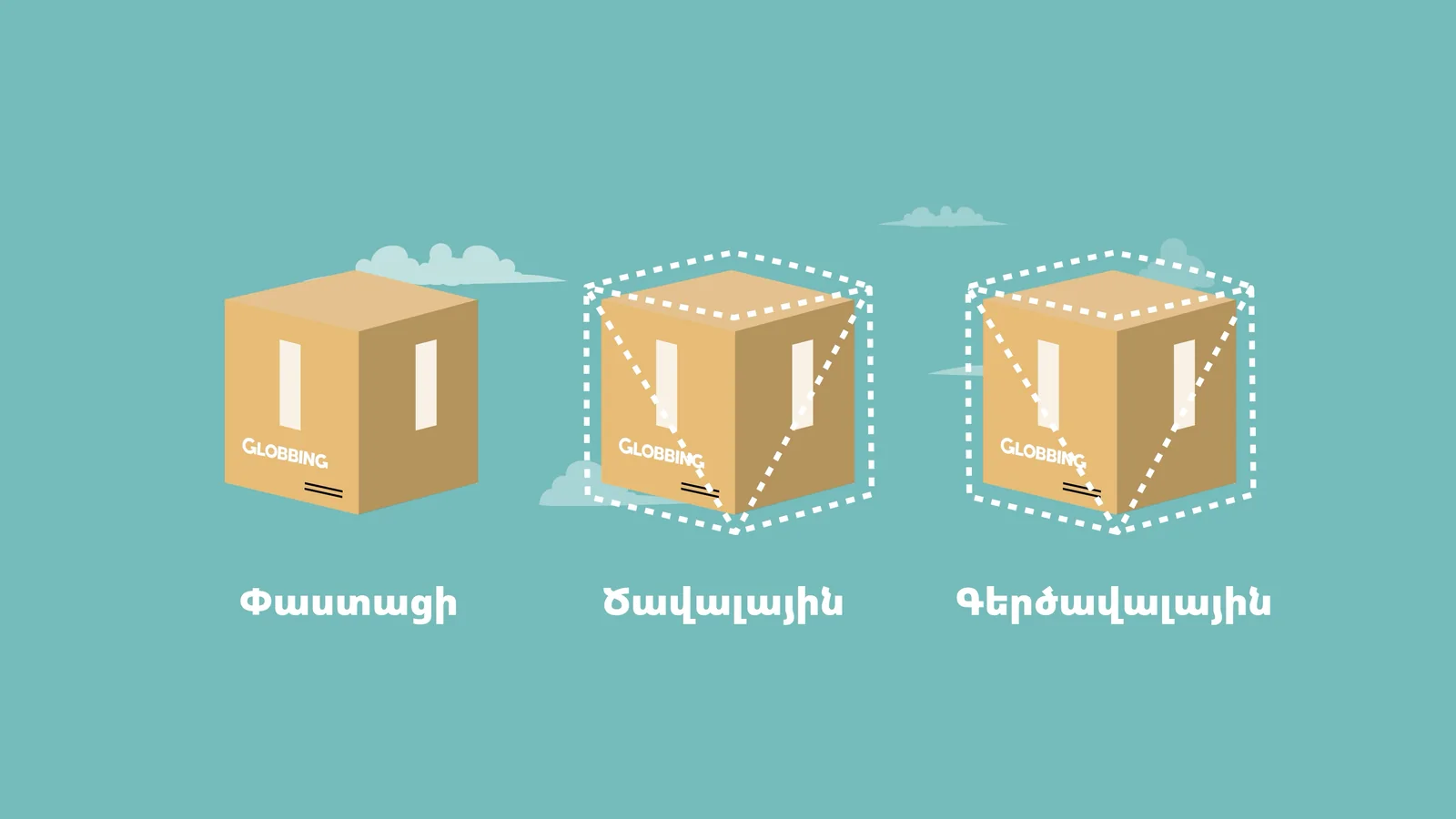
Clean app scenes for the how-to steps, and flat illustrations in Globbing's colours for the ideas a screen can't show, like weight, volume and distance.